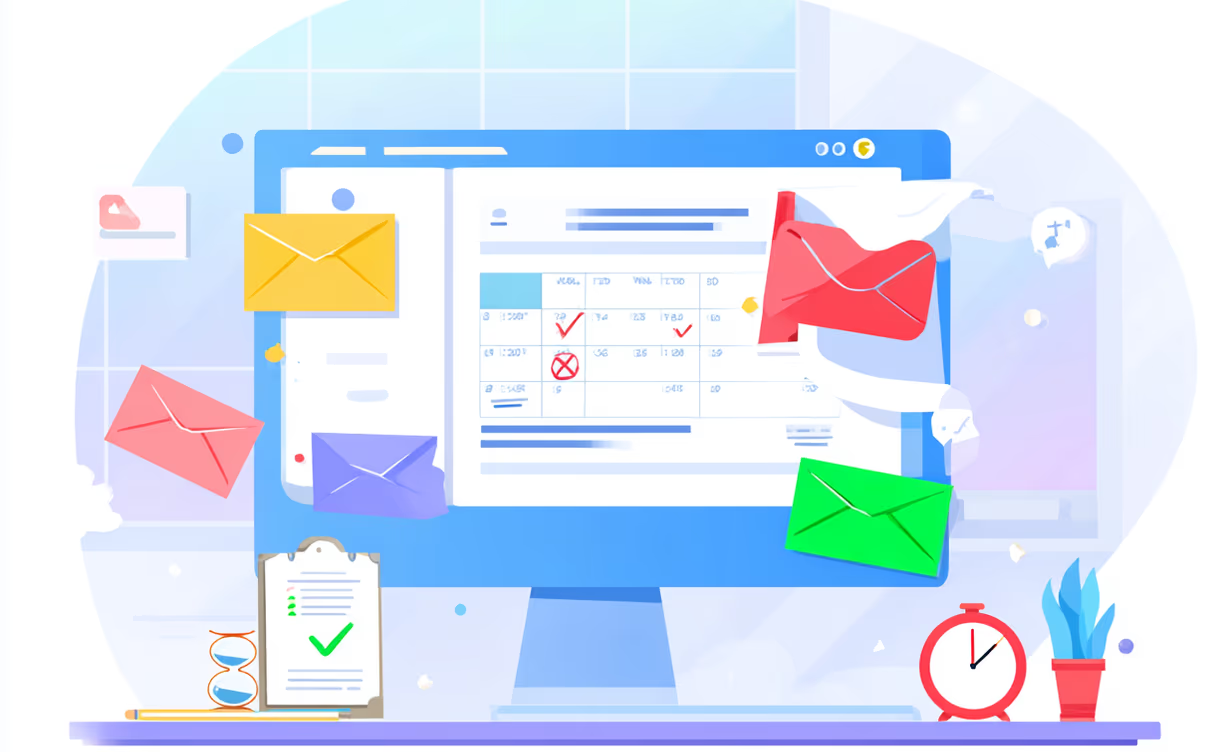
Most contract renewals don't get missed because no one cared. They get missed because the wrong person was notified, too late, with not enough context to act.
The average organisation manages around 247 SaaS renewals per year — roughly one every business day. Around 30% of leaders admit to missing renewal alerts entirely, resulting in unwanted auto-renewals. And when a renewal does slip through, the cost isn't just the wasted spend — it's losing the only window of leverage you had to renegotiate.
A good renewal notification system doesn't just remind you. It gets the right people involved, with the right information, early enough to actually do something about it.
Who needs to be notified
The first mistake most teams make is treating a contract renewal as a one-person task. In practice, a renewal decision involves several stakeholders with different roles:
Contract owner / app owner — the person accountable for the vendor relationship and ultimately responsible for the renewal decision. Every notification should include this person. Finance / accounts payable — needs visibility for budget planning, upcoming cash flow, and spend approval. Especially important for contracts over a certain threshold. The team that actually uses the tool — the people with the most direct insight into whether the tool is worth keeping. Usage data and satisfaction feedback should come from here. Legal — for enterprise contracts with custom terms, SLAs, liability clauses, or data processing agreements. Legal needs more than 30 days notice to review anything complex. IT — for software contracts involving security, integrations, SSO, or compliance scope. Leadership — for large spend decisions or strategically important vendor relationships.Not every stakeholder needs to be looped in on every contract. A $50/month tool renewal doesn't need legal review. A $50,000/year platform renewal probably does. Calibrate who gets notified based on contract value and complexity.
The escalating timeline
One notification is not enough. A single reminder is easy to dismiss, defer, or forget. An escalating sequence creates shared awareness and a clear deadline for action.
90 days out — Awareness and assignment
What to communicate:- Renewal date and exact cancellation notice deadline (these are different — make sure both are clear)
- Annual cost
- Contract owner assignment — who is officially responsible
- A flag to leadership if the spend is significant
60 days out — Usage review and decision
What to communicate:- Current usage data (active users vs licensed seats, feature adoption)
- Vendor performance against SLAs or expectations
- Any available pricing benchmarks
- A clear question: renew, renegotiate, or cancel?
30 days out — Action required
What to communicate:- Decision status — has a decision been made?
- Specific action needed — sign, send cancellation notice, initiate renegotiation
- Hard deadline for that action
- Escalation contact if there's a blocker
Before the cancellation deadline — Final trigger
Most contracts require written cancellation notice 30–90 days before the renewal date. This is a legal deadline, not a courtesy reminder. Miss it and you're locked in for the full next term, even if you realise the mistake the following day.
This notification should be sent to the contract owner with explicit instructions: if we are cancelling, the notice must be submitted today, via the method specified in the contract (email, certified letter, etc.). Keep a copy.
What the notification should actually say
A useful renewal notification isn't just "heads up, renewal on 15 March." Stakeholders need context to act. Every notification should include:
- Vendor name and product
- Renewal date and cancellation notice deadline — separately, clearly
- Annual cost and whether pricing is changing at renewal
- Contract owner — who is accountable
- Usage summary — are people actively using this?
- Specific action required — not just awareness, but what the recipient needs to do
- Deadline for that action — "respond by X" is clearer than "renewal is approaching"
- Escalation contact — who to involve if there's a blocker
The difference between a notification people act on and one they dismiss is whether it makes the required action obvious. "Your Salesforce contract renews on 15 March" is awareness. "Your Salesforce contract renews on 15 March. The cancellation deadline is 14 February. Usage is at 60% of licensed seats. Decision needed by 13 January: renew at current terms, renegotiate, or cancel." — that's actionable.
Notification channels
Email is the standard for formal renewal notifications. It creates a paper trail, can be forwarded, and is required for legal notices. The limitation is that it's easy to ignore when inboxes are full. Slack (or Teams) is better for creating shared team visibility. A dedicated#renewals or #vendor-ops channel ensures the whole relevant team sees upcoming deadlines without relying on individuals to forward emails. Slack reminders can also be set to resurface a message at a specific time.
Calendar invites are underused but effective for hard deadlines. Blocking the cancellation deadline on the contract owner's calendar — and the CFO's — makes it visible in a way a notification can't. Set the calendar event at the cancellation deadline, not the renewal date.
SMS is a last resort for urgent, same-day action. Appropriate when someone needs to act within hours, not days.
The most reliable approach is layering channels: email for formal notification, Slack for team visibility, calendar for hard deadlines.
Common mistakes
Starting too late. A single 30-day reminder is the most common pattern — and the least useful. By 30 days, the negotiation window has closed and there's barely enough time to send a proper cancellation notice. No clear owner. Multiple people notified, nobody responsible. The most common root cause of missed renewals. Every contract needs a named owner who receives the notifications and is accountable for the outcome. Confusing the renewal date with the cancellation deadline. These are different dates and both matter. The renewal date is when the contract auto-renews. The cancellation deadline is the last day you can prevent that from happening. If your calendar reminder is set to the renewal date, it may already be too late. No escalation path. If the contract owner doesn't respond, nothing happens. Build in an escalation: if no decision is logged by day X, loop in their manager. Notifications with no context. A reminder that says "Zoom renews soon" requires the recipient to go find the cost, the usage data, and the notice period before they can act. Put that information in the notification. Relying on a single person's calendar. When that person is on leave, changes roles, or leaves the company, the system breaks. Notifications should go to a role or shared inbox, not just one individual.Manual vs automated
Manual approach:Set Google Calendar reminders at 90, 60, and 30 days for each contract. Draft and send emails to relevant stakeholders manually. Maintain a spreadsheet of vendors, renewal dates, costs, and owners.
This works for teams tracking fewer than 10 contracts where one person has complete oversight. It breaks down during team changes, when contracts number in the dozens, or when notice periods vary across vendors.
Automated approach:A dedicated tool like Termedora handles the notification schedule automatically. Enter the contract details once — vendor, renewal date, cost, notice period — and the system sends scheduled reminders at 90, 60, and 30 days before renewal via email, Slack, and SMS to the contract owner you assign. Org notification settings can also include admins or the full team. Termedora does not automatically escalate to a manager if the owner doesn't respond — that part still needs a team process.
No calendar entries to maintain. No manual emails to draft. No risk of a reminder being lost when someone's role changes. The notifications go out on schedule regardless of whether anyone remembers to send them.
At $49/month, the cost of automating this for an entire contract portfolio is less than the cost of a single missed renewal on most SaaS tools.
The core principle
Renewal notifications fail when they're treated as a courtesy reminder rather than a business process. The goal isn't to inform — it's to trigger a specific action by a specific person before a specific deadline.
Build the notification system around that: who needs to act, what action is required, and when the window closes. Everything else — channel, format, frequency — follows from those three things.
Set up automated contract renewal notifications in Termedora →See also: Contract renewal reminder email templates · Best contract reminder software · How to avoid SaaS auto-renewal surprises · How to negotiate SaaS renewals
Related articles
10 Contract Renewal Email Templates (Copy & Paste)
10 ready-to-use contract renewal email templates — vendor outreach, renegotiation requests, internal reminders, and cancellation notices. Copy and paste.
Managing SaaS Renewals in a Spreadsheet vs. Termedora
Spreadsheets are where most teams start tracking SaaS contracts. Here's an honest look at what they handle well, where they break down, and when it makes sense to move to a dedicated tool.
8 Best Contract Reminder Software Tools in 2026 (With Pricing)
Most contract reminder tools bury the reminder feature or make it unreliable. 8 tools compared — what their alert systems actually do, who they're for, and what each costs.